
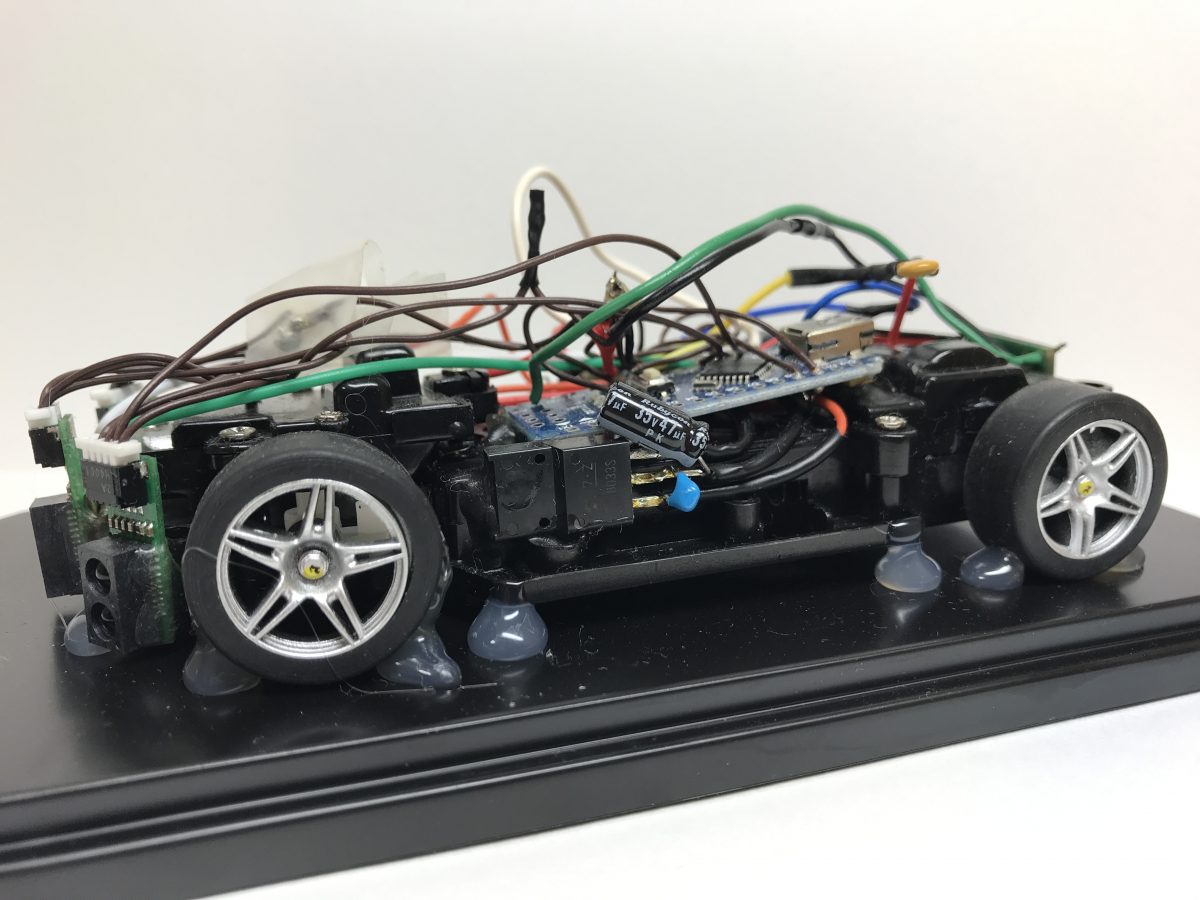
RumiCar-lib, our library for microcontrollers, is now officially listed in the Arduino IDE Library Manager. You can search for it and install it directly from the Arduino IDE.
How to install
- Open the Arduino IDE
- Open the Library Manager (Sketch → Include Library → Manage Libraries)
- Search for “RumiCar” and install
RumiCar-lib supports multiple microcontrollers, including AVR, ESP32, and Spresense — the same sketch runs on different hardware. The source code is available on GitHub (RumiCar-group/RumiCar-lib).
Don’t have the hardware yet? You can start developing autonomous driving algorithms right away with the browser-based RumiCar Simulator.